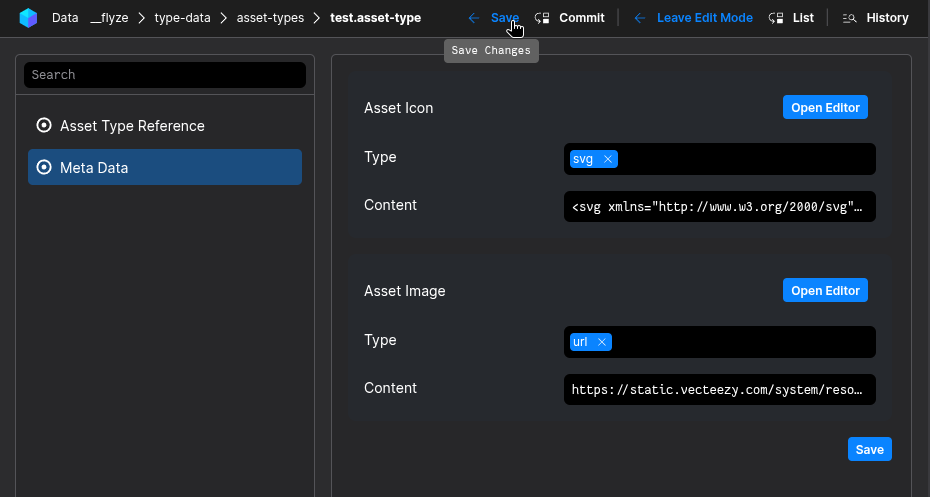
Master-Data
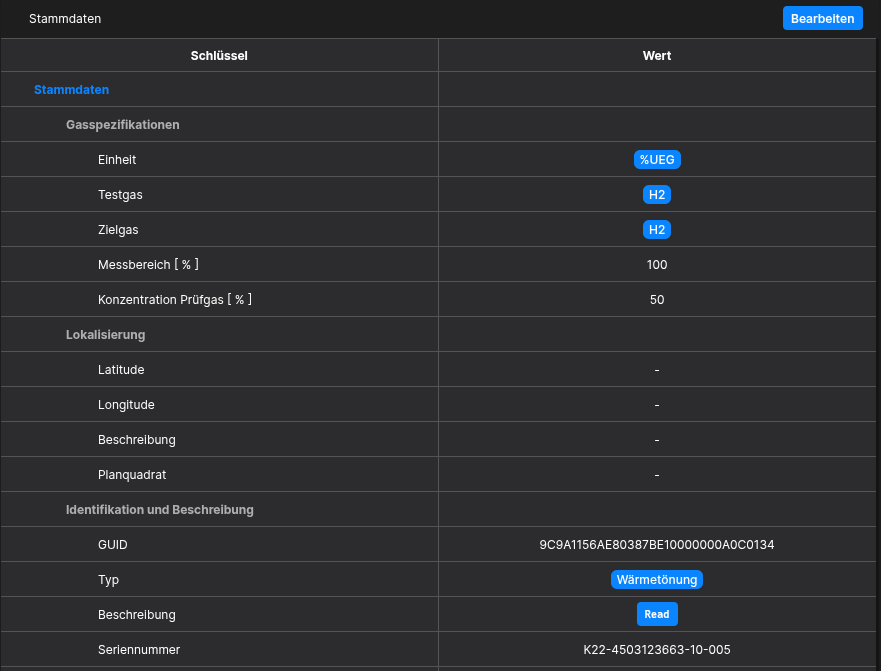
The Master-Data Widget allows the user to display specific Data from Assets in Tables for both Asset-Views and Folder-Views
Requirements
To be able to define Meta-Data, your Asset has to be setup correctly first. It is required to have an Asset-Type containing multiple Aspect-Types.
It is mandatory that these Requirements are met!
How to setup
Getting started
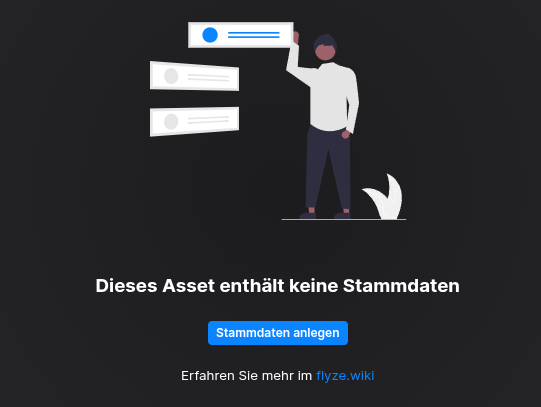
You have to setup the Master-Data in the Asset-Manager-App, either by clicking the "Create Master-Data"-Button or by manually navigating to the Asset-Manager-App in your flyze.ecosystem. Here you need to locate the asset-types-Folder.
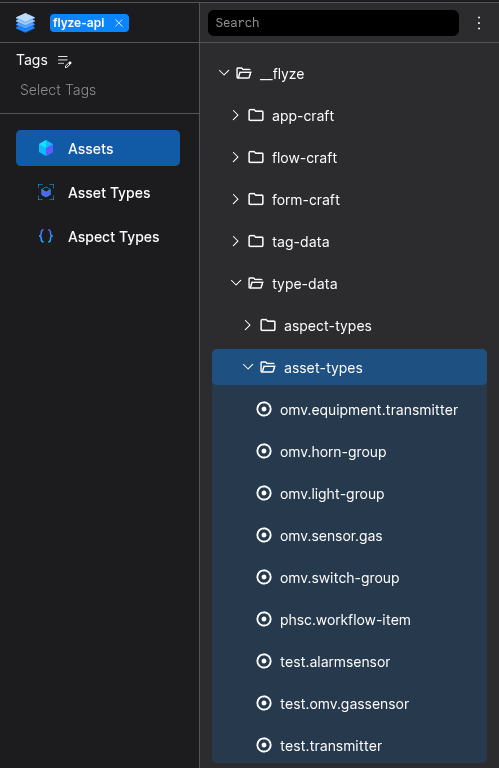
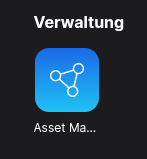
Asset-Manager
Step 1
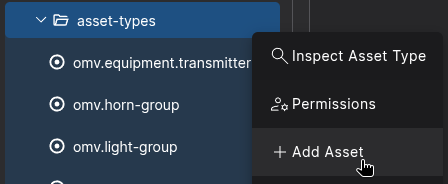
Click the Node-Actions Button to create a new Asset under the asset-types-Folder

Select Add-Asset
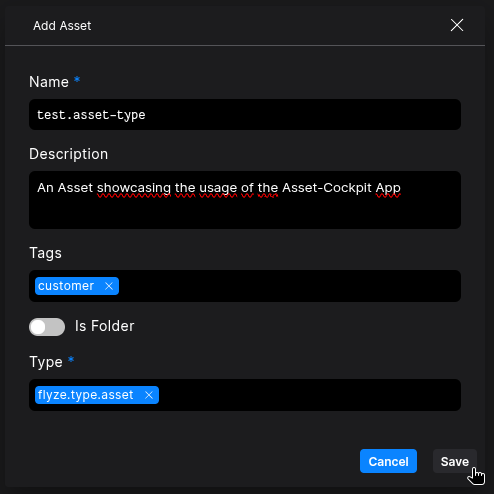
Configure your Asset, and select flyze.type.asset as Type
Step 2
You are now ableSwitch to add/editthe Meta-List-Edit Mode
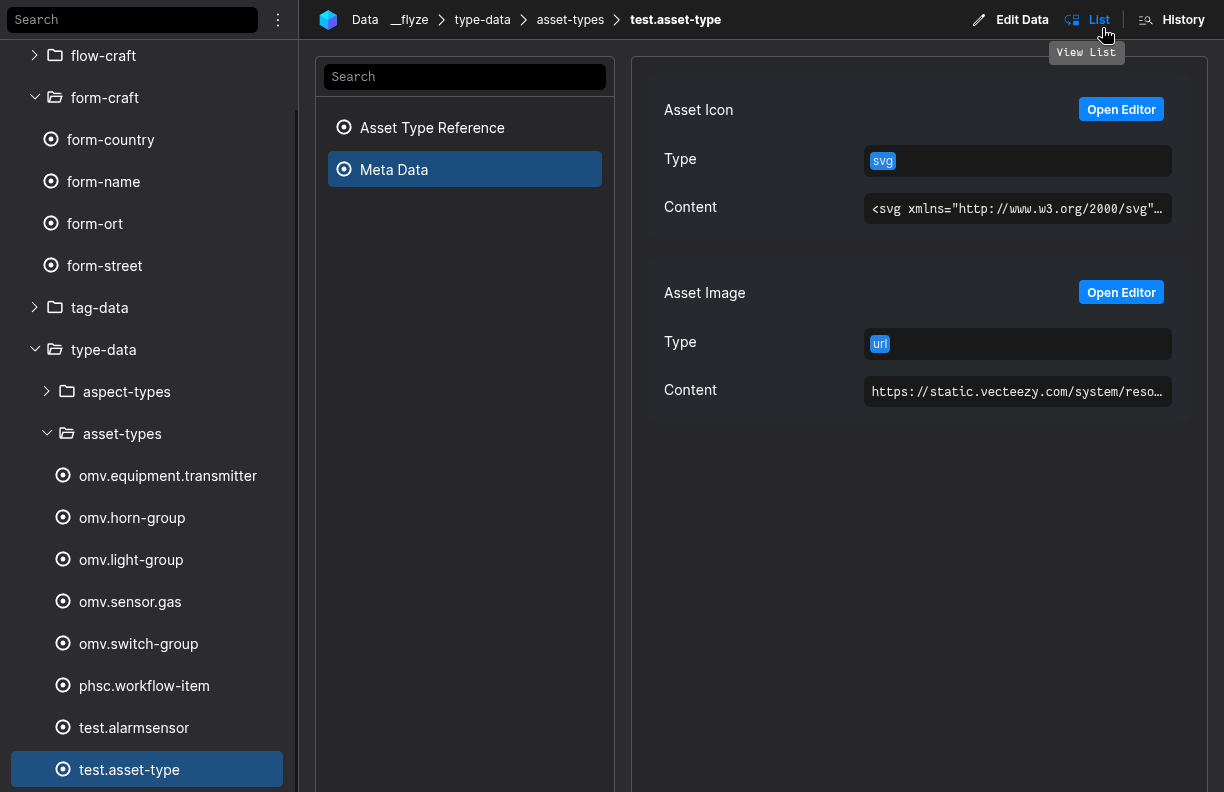
Select the Aspect Master Data in the Aspect-List
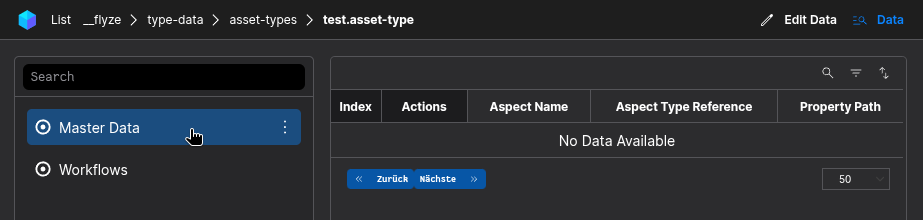
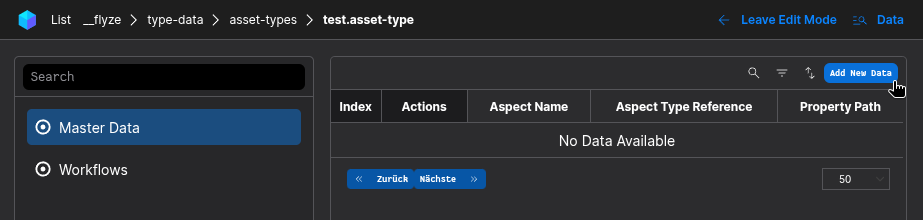
Switch to the Edit-Mode and click the Add new Data-Button
Fill in the relevant Data to configure a property for the Master-Data Stream
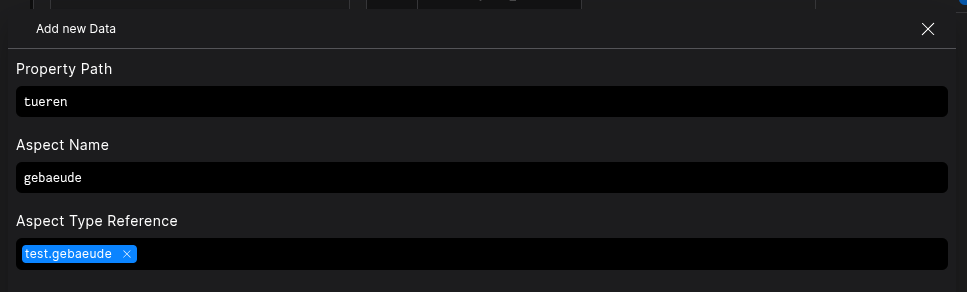
Note that the Aspect Name is the key of
yourthe linkedasset-typeAspect-Type in the Asset-Type
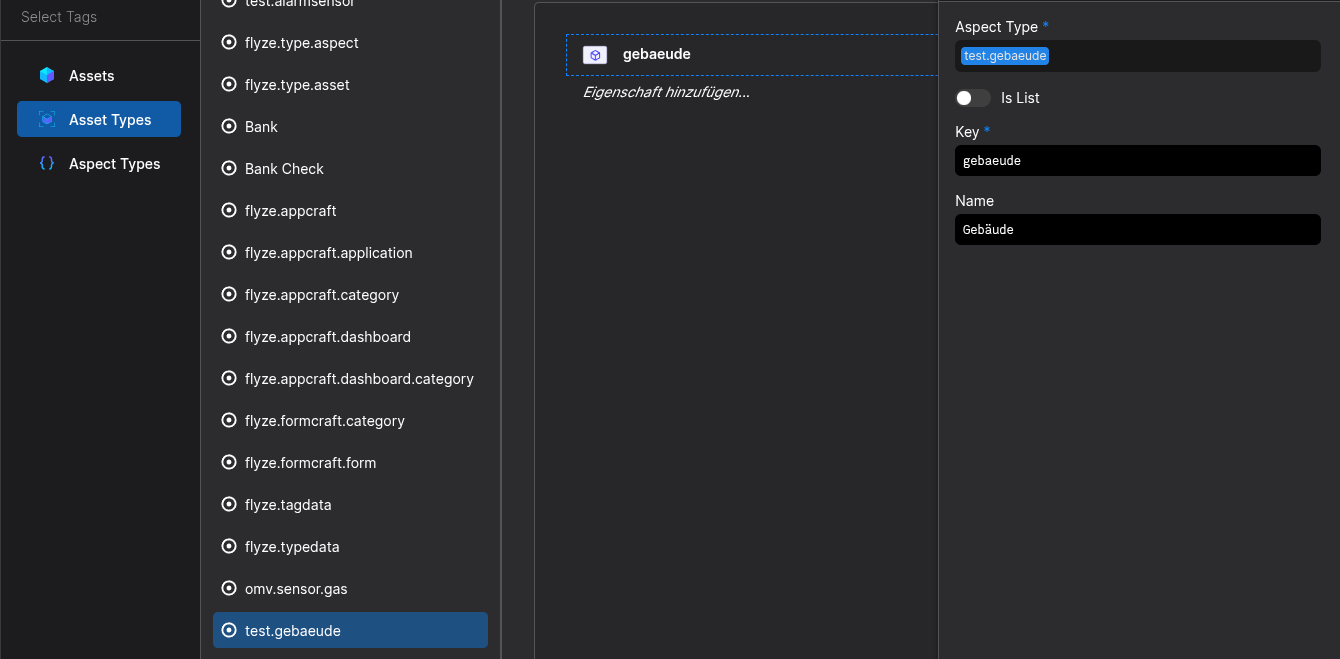
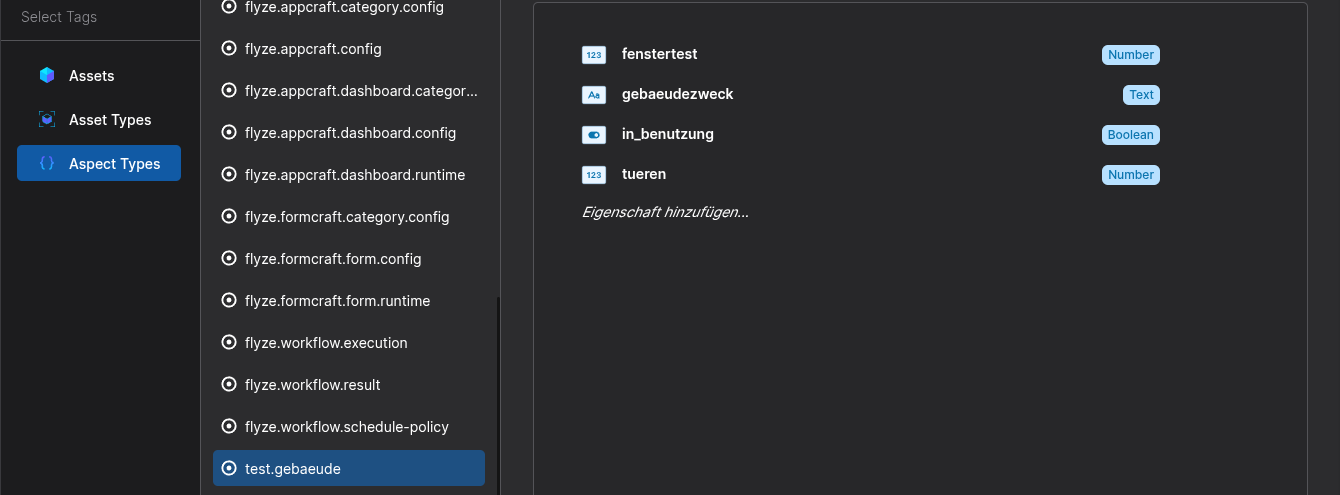
DontNoteforgetthattothespecifyPropertyanPath is one of the defined properties of the linked Aspect-Type - To clarify: The Aspect-Type is the Type referenced in the Asset-TypeReferenceabove.

Be sure to save or commit your changes