Notes
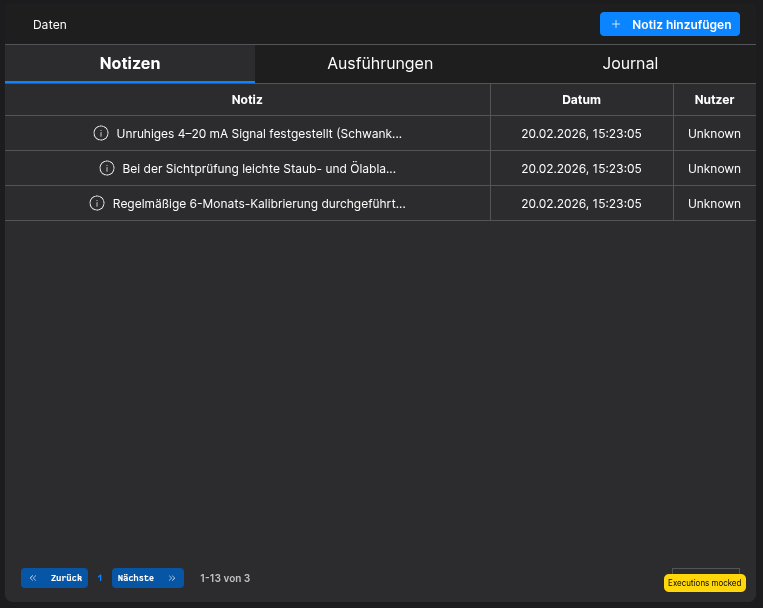
The Notes-Tab in the History-Data Widget allows the user to see/add Notes of the selected Asset
Requirements
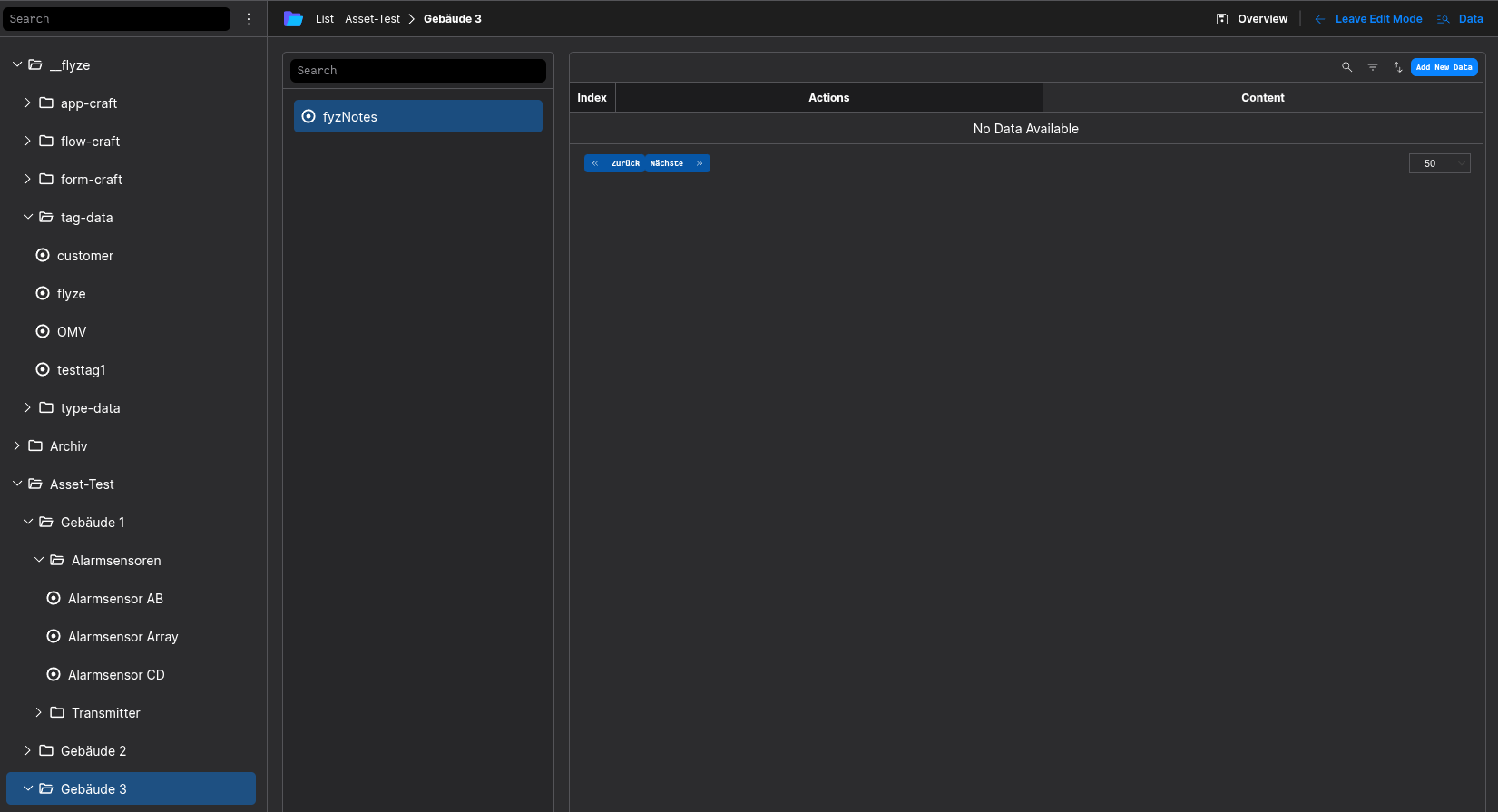
To support Notes for your Asset, it has to be setup correctly first. It is required to have the flyze.asset.note Aspect-Type added to your Assets Asset-Type keyed as fyzNotes.
It is mandatory that these Requirements are met!
How to setup
Getting started
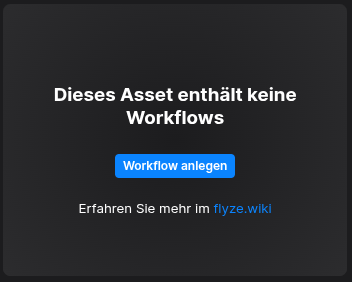
You have to setup the Master-Data in the Asset-Manager-App, either by clicking the "Create Master-Data"-Button or by manually navigating to the Asset-Manager-App in your flyze.ecosystem. Here you need to locate the asset-types-Folder.
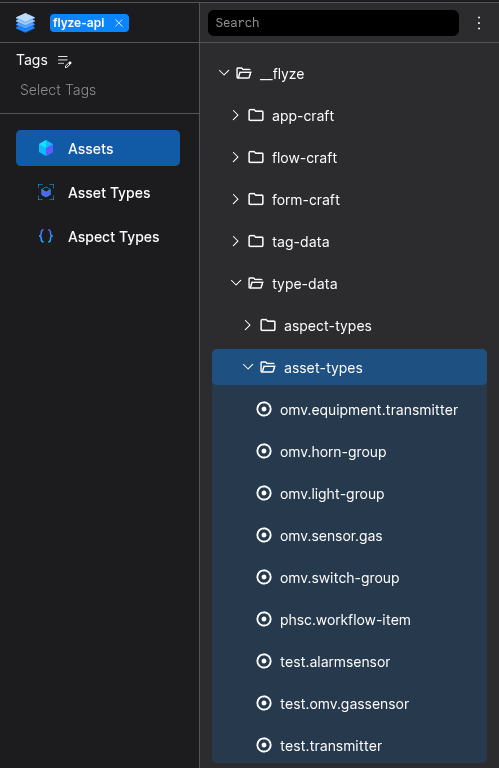
Asset-Manager
Step 1
Add the flyze.asset.note Aspect-Type keyed as fyzNotes* to your Assets Asset-Type as a list* Aspect-Type.
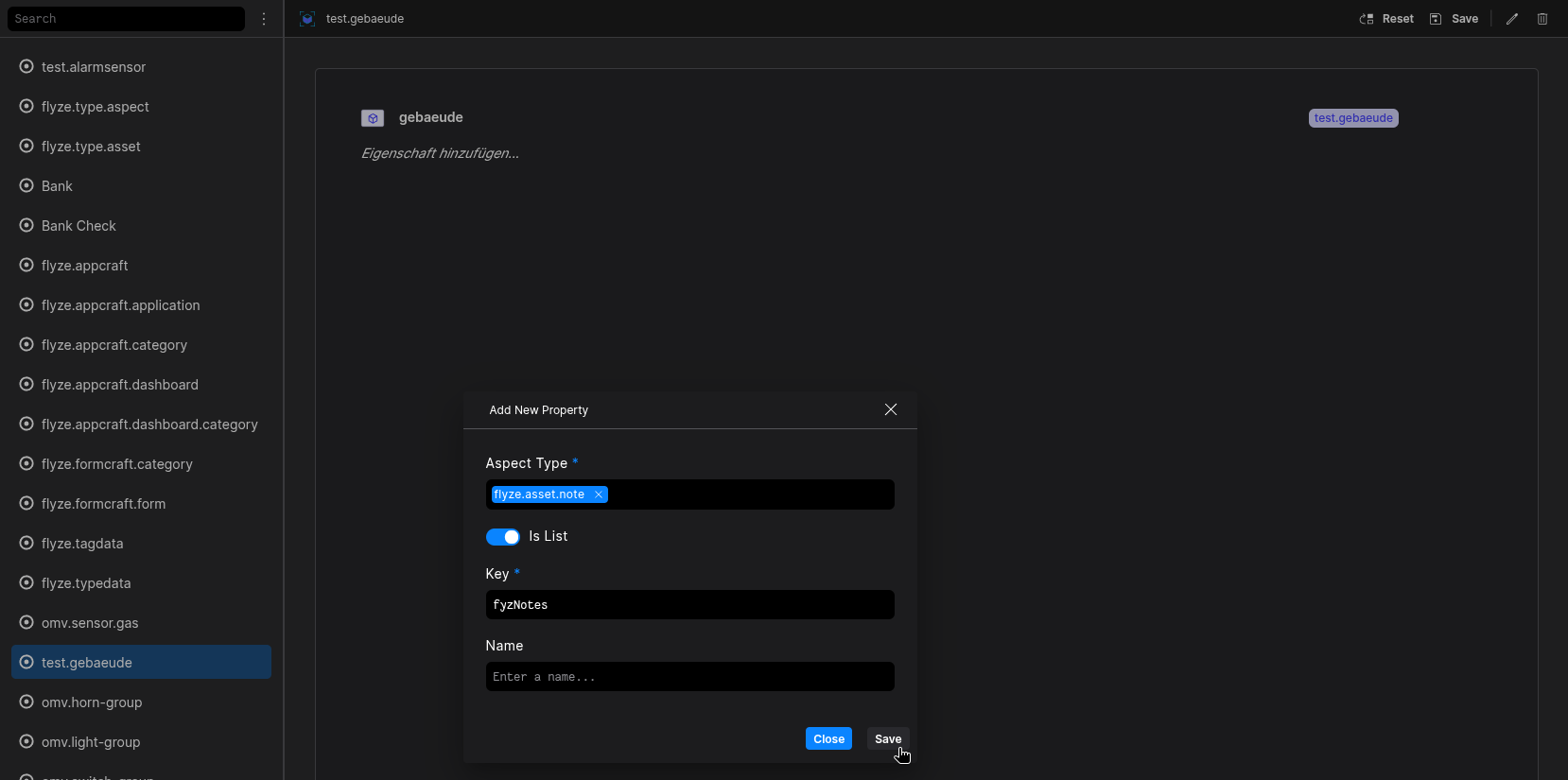
Be sure to save or commit your changes
Result
The History-Data Widget should display a Notes-Tab
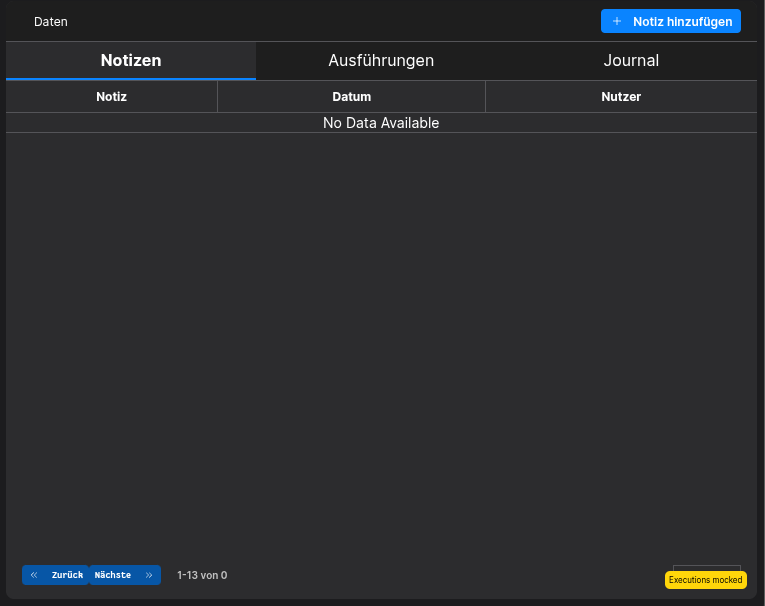
Nice to know
You are able to Add/Edit/Delete Notes via the Asset-Manager App.