
Generic Layout
📘 Developer Guide
With the Layout Brick, you can easily add custom CSS-Code to your dashboards.
🔁 Example
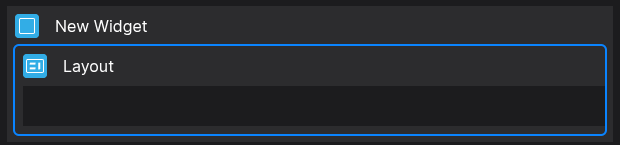
Designer
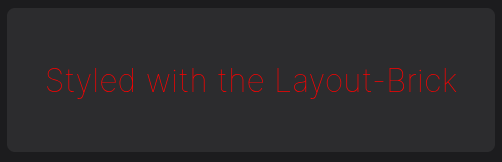
Runtime
⚙️ Configuration Properties
Config
| Key | Label | Description | Default Value |
|---|---|---|---|
classes |
Classes which will be appended onto the layout DOM-Element | You can define multiple classes via delimiting by spacesstring |
- |
classDefintionCode |
The CSS Code | The CSS Code must be provided via stringstring |
- |
classDefintionScope |
The Scope where CSS will be applied | You can specify to scope of the provided CSS Code. Children just treat child bricks, while global treats everything on the Dashboard.children global |
children |
🛠️ Usage
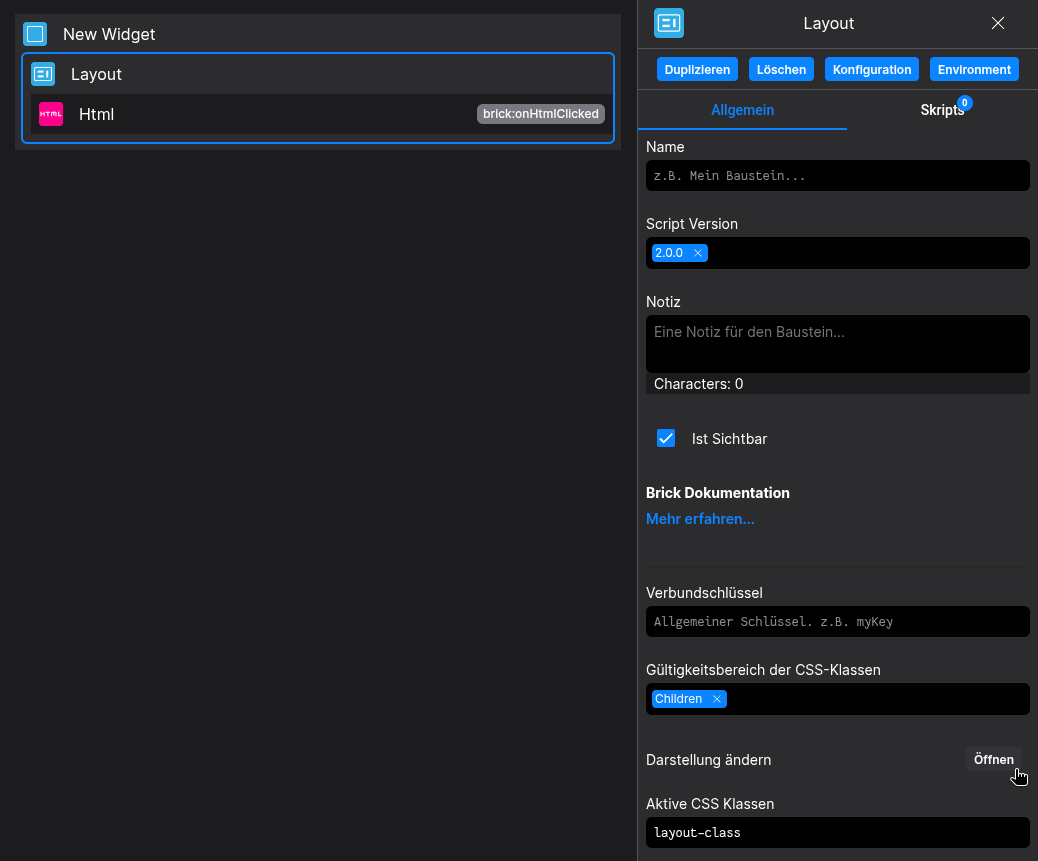
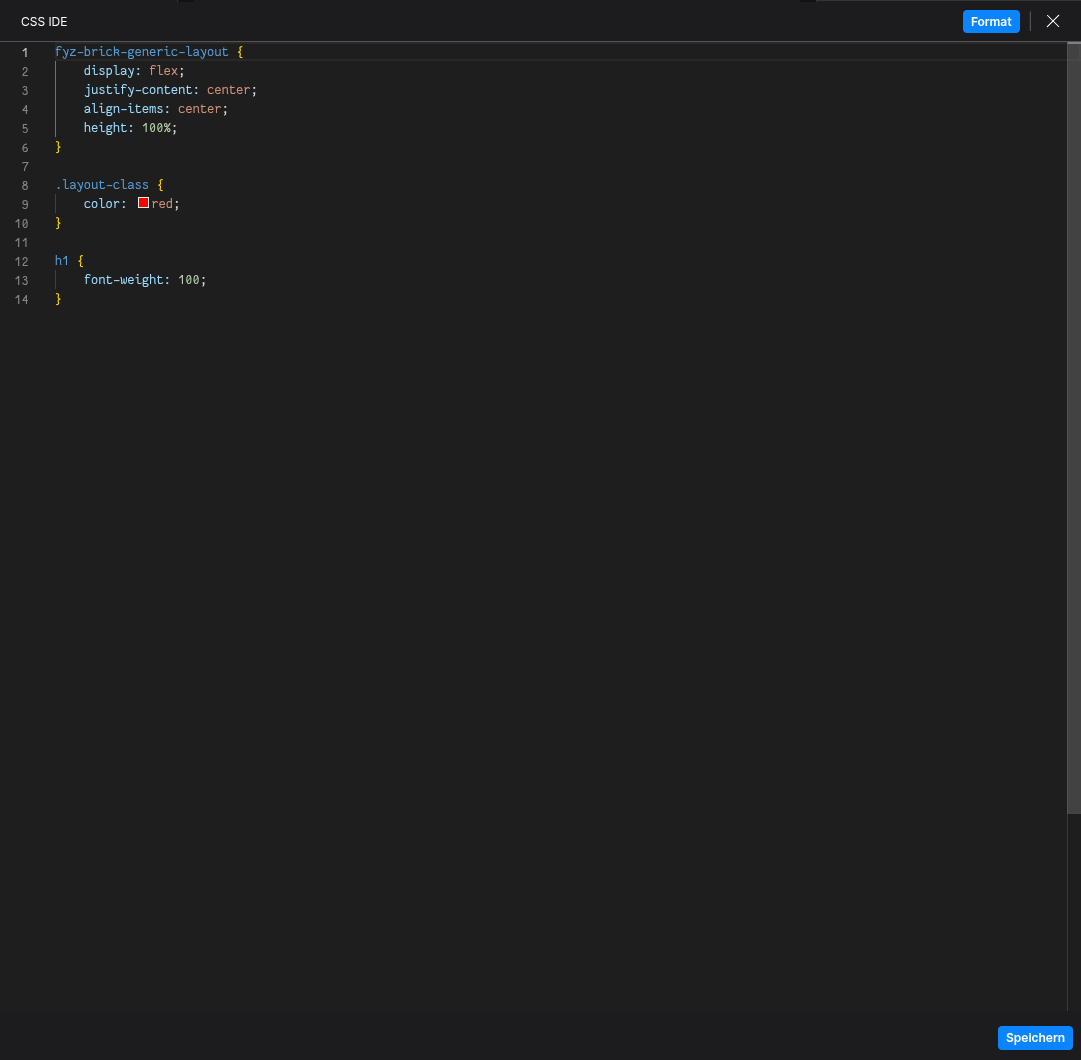
Designer
(Use the build in configuration Inputs and CSS-Editor in the right Side-Nav)
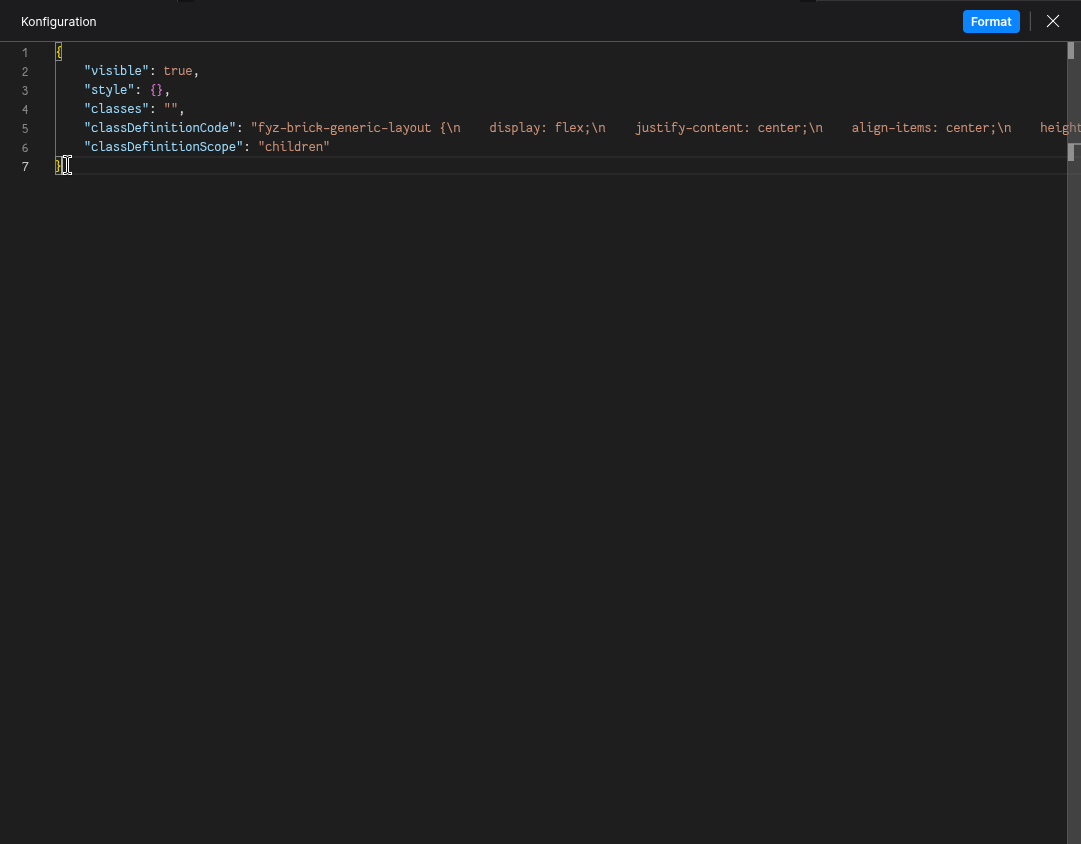
Config
(Edit the whole configuration of the Layout to your liking)
2. Programmatical Data
2.1 How to change your CSS via Scripting
// ⚙️ Retrieve the current configuration of the Brick
const config = fyzBrick.cRef.getConfig();

// 💱 Modify and merge the config to change to the desired button/behavior
fyzBrick.cRef.mergeConfig({
	...config,
	classDefintionCode: `
	fyz-brick-generic-layout {
		display: flex;
		justify-content: center;
		align-items: center;
		height: 100%;
	}

	.layout-class {
		color: yellow;
	}

	h1 {
		font-weight: 900;
	}
	`
})
Use the HTML Brick to create a powerful combination of HTML and CSS on your Dashboards