
Upload-Field
📘 Developer Guide
With the Upload-Field Brick, you are able to upload Files in your Dashboards and handle them accordingly.
🔁 Example
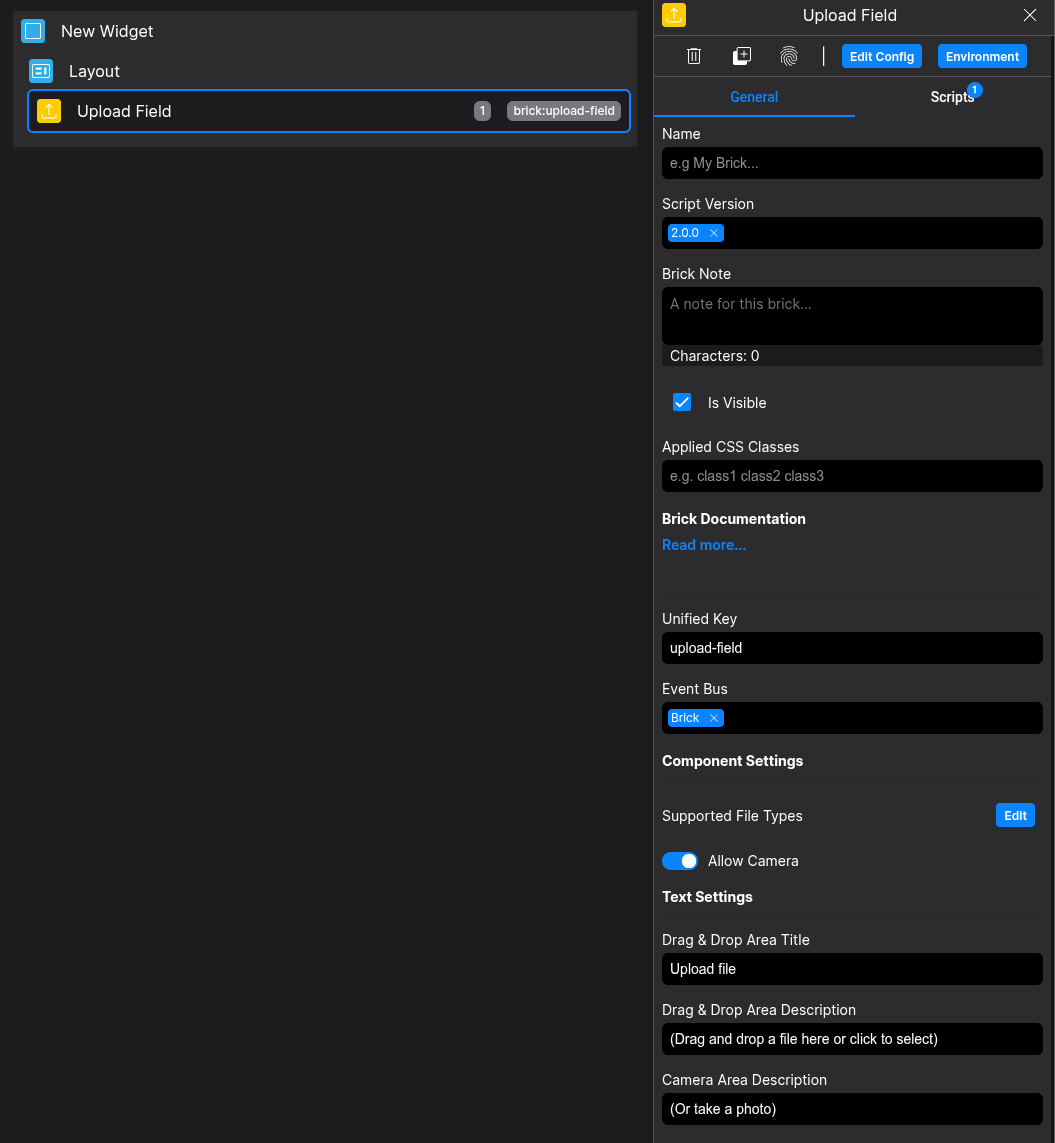
Designer
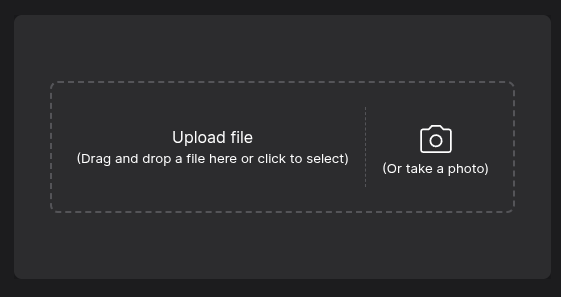
Runtime
⚙️ Configuration Properties
Config
| Key | Label | Description | Default Value |
|---|---|---|---|
texts.title |
Title in the Drop-Down Area | Can be optional string |
Upload file |
texts.description |
Description in the Drop-Down Area | Can be optional string |
(Drag and drop a file here or click to select) |
texts.photoDescription |
Description in the PHoto-Area | Can be optional string |
(Or take a Photo) |
texts.actions.cancelButton |
Button-Text of the Cancel Photo Button | Can be optional string |
Cancel |
texts.actions.captureButton |
Button-Text of the Captrue Photo Button | Can be optional string |
Capture |
settings.supportedFileTypes |
The supported Filetypes to upload | Can be optional string[] |
['image/png', 'image/jpeg, 'image/gif', 'image/webp'] |
settings.allowCamera |
Enable Camera-Area | Can be optional boolean |
false |
🛠️ Usage
Designer
(Use the build in configuration Inputs in the right Side-Nav)
Config
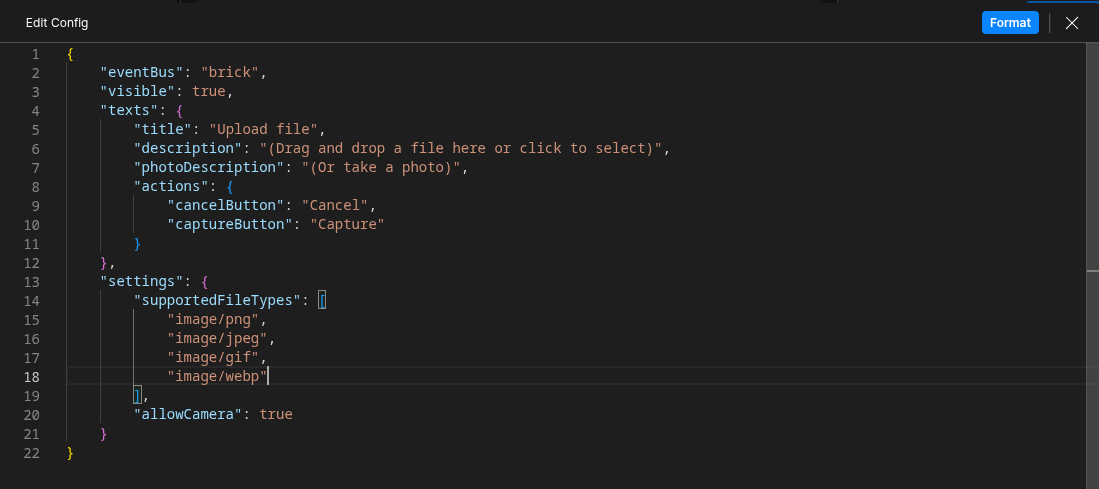
(Edit the whole configuration of the Tab-Toggle to your liking)
⌨️ Programmatical Data
How to change the JSON-Diff via Scripting