
Icon
📘 Developer Guide
With the Icon Brick, you can easily add icons to your dashboards.
Either use the Icon Picker in the right Side-Nav to choose your icon, or directly edit the configuration of the brick.
🔁 Example
Designer
TBD
Runtime

⚙️ Configuration Properties
| Key | Label | Description | Default Value |
|---|---|---|---|
id |
ID of the Icon | Can be selected using CSS via #flyze-icon-idstring UUID |
Random UUID |
version |
Decider for the version of the Icon | Always use modern, since legacy will be removed in the future.It just exists for backward compatibility modern legacy |
legacy |
state * |
The state of the Icon | Defines the state of the Icon You can also specify a string to define your own size and corresponding styles, see below xsmall | small | medium | large | xlarge |
default |
size * |
The size of the Icon | Defines the size of the You xsmall | small | medium | large | xlarge |
default |
iconName |
The Icon Name | e.g. ecoExplore all available icons string |
- |
customSvg |
A custom SVG string | Lets you include your own custom SVG.string |
- |
🎨 CSS Variables
| Variable Name | Description |
|---|---|
--fyz-sb-icon-size |
Size of the icon |
--fyz-sb-icon-auto-size |
@see -auto- variables |
--fyz-sb-icon-width |
Width of the icon. Has higher priority than --fyz-sb-icon-size |
--fyz-sb-icon-height |
Height of the icon. Has higher priority than --fyz-sb-icon-size |
--fyz-sb-icon-fill |
Fill color of the icon. Falls back to --system-label if not set |
Further the icon defines the variables
--svg-widthand--svg-heightto set the width and height of the svg inside the icon. The are used by default if a custom svg is given.
The
-auto-variables are used to automatically adjust the respective property based on device view or respective parent components. They should not be set directly by the user. For each-auto-variable, there is a corresponding non--auto-variable that can be set by the user to override the automatic behavior.
🛠️ Usage
Designer
(Simply click the desired icon, the configuration will be updated automatically)
TBD
Config
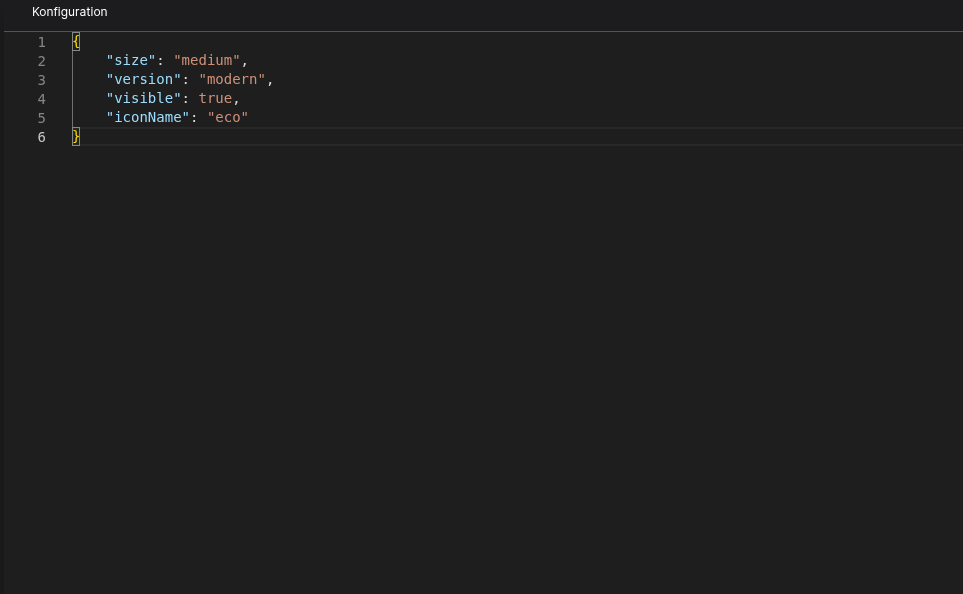
⌨️ Programmatical Data
How to style custom States/Sizes
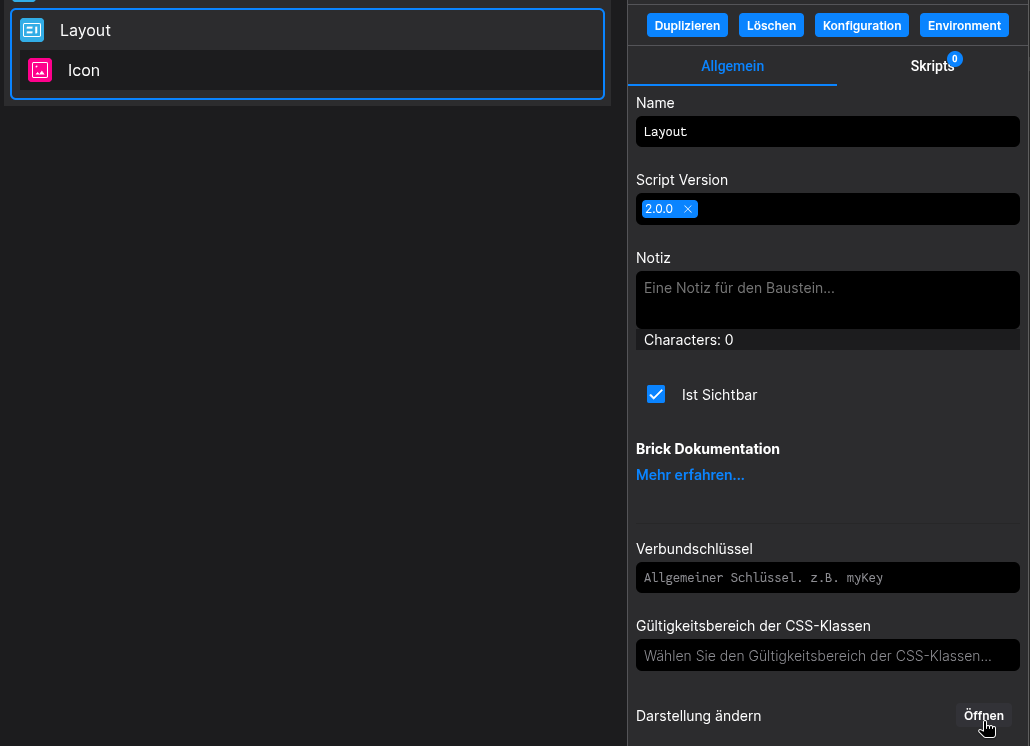
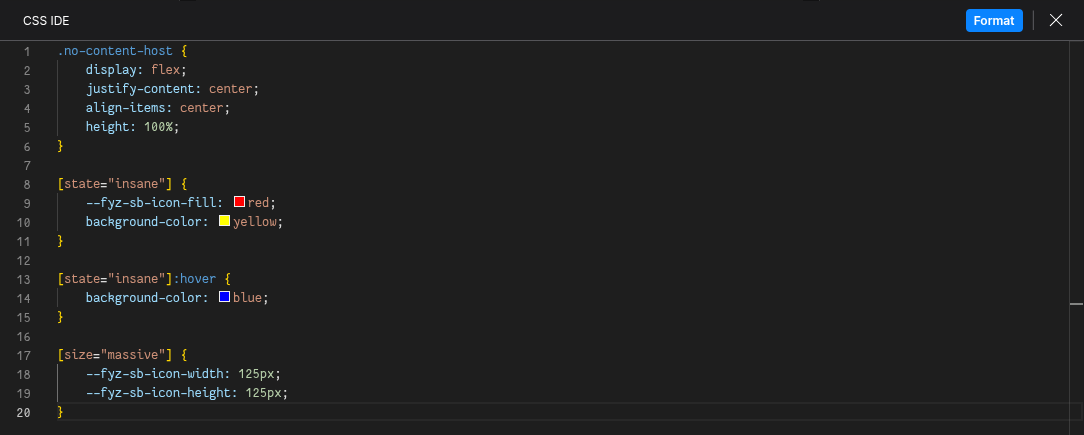
This example shows how to style your Icon via CSS.
(In this example, customStateName is set to insane and customSizeName to massive)
[state="insane"] {
  --fyz-sb-icon-fill: red;
  background-color: yellow;
}
[state="insane"]:hover {
  background-color: blue;
}

[size="massive"] {
  --fyz-sb-icon-width: 125px;
  --fyz-sb-icon-height: 125px;
}
Use the Layout Brick to style icons based on this example.
How to load in a custom SVG
(If your custom Icon uses inline sizing, just set the size to custom)
const config: FyzSbIconConfig = {
  version: 'modern',
  size: 'medium',
  customSvg: "{{ SVG as string }}"
};
How to update the icon via Scripting
// 💱 Modify and merge the config to change to the desired icon/behavior
fyzBrick.cRef.mergeConfig({ state: "customState", iconName: "error" });